Quick answer and key facts
| Check first | Connection, storage, app version |
|---|---|
| Safe to do | Clear cache, restart, reinstall over the top |
| Avoid | Uninstalling while a payment is pending |
Install and download problems
- App not installed: free storage and reinstall; Android needs working space beyond the file size.
- Parse error: the download is incomplete, or your Android version is too old.
- Install blocked: allow your browser under Install unknown apps, for this install only.
- Signature conflict: the new file came from a different source than your installed copy.
Login and OTP problems
- No OTP: check the country code, signal and blocked-SMS folder, then wait out the resend timer.
- Wrong password: use Forget Password rather than repeating attempts, which can lock the account.
- Session drops: set your phone’s date and time to automatic.
- Guest session lost: guest data does not survive a reinstall; register a proper account.
Loading, crashing and lag
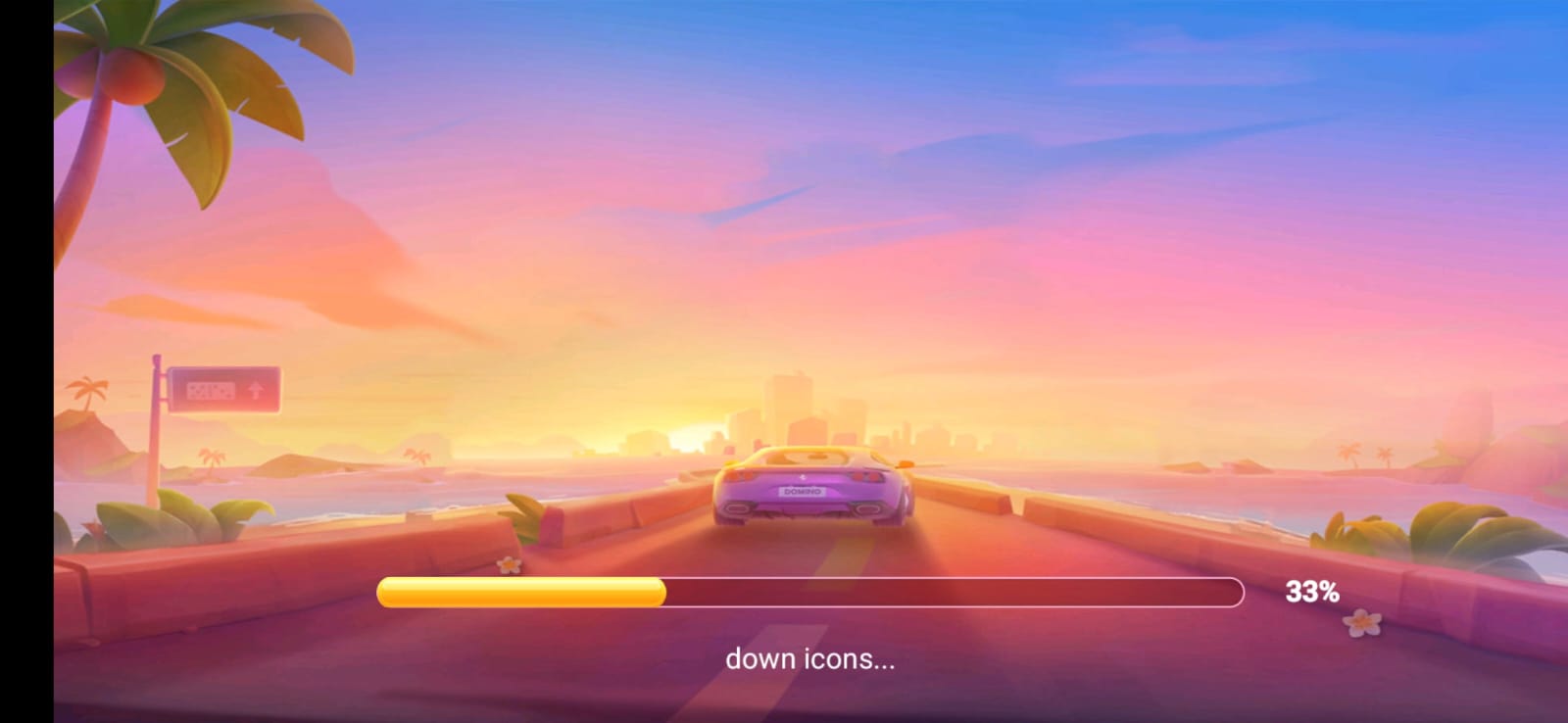
- Switch to Wi-Fi and let the asset download finish without locking the screen.
- Clear the app cache from Android settings, not the app data.
- Close background apps and turn off battery saver.
- Reinstall over the top if a single game keeps crashing.
Deposit and withdrawal problems
Never repeat a payment that has not appeared
A missing deposit is a tracing problem, not a payment problem. Paying again usually creates a second pending transfer instead of fixing the first.
- Confirm the money left your wallet before reporting anything.
- Wait the stated processing window.
- Report once, with the transaction ID, amount, time and your account ID.
- For rejected withdrawals, check name matching and bonus turnover before anything else.
Open Luck 97 download page
The link opens the Luck 97 game site in a new tab. 18+ only.
Frequently asked questions
Luck97 is not working. What should I check first?
Connection, free storage and app version, in that order. Most problems are one of those three rather than a fault with your account.
The app is stuck on the loading screen. Why?
The first launch downloads game assets. A weak connection or full storage stalls it. Clear the cache, free space and retry on Wi-Fi.
What details should I give support?
Your account ID, the app version, your phone model and Android version, the exact time of the problem, and any transaction ID involved.
Related Luck 97 guides
Who wrote and checked this page
Written and fact-checked by the Luck97.pk editorial team. We test the download flow on real Android handsets in Pakistan and only publish details we can see for ourselves. Anything we cannot verify is labelled “Being verified” instead of guessed. Read our editorial policy or send us a correction.