Quick answer and key facts
| File format | Android package (.apk) |
|---|---|
| Package ID | Being verified |
| Version | Being verified |
| File size | Being verified |
| Minimum Android | Being verified |
| Published checksum | Being verified |
What a Luck 97 APK actually is
An APK is a zip archive containing the app code, its assets and a manifest that declares the package name, version and permissions. When you install one manually you are doing what the Play Store normally does for you, minus Google’s distribution checks. Nothing about the format is unsafe on its own; the risk is entirely about the source you took the file from.
Because the file is self-contained, an old copy keeps working after a new release comes out. That is why people search for the Luck 97 APK latest version separately from the general download.
Sideloading the Luck97 APK on Android
- 1Download the APK using the link on this page, with the browser you normally use.
- 2Open Settings, then Apps, then Special app access, then Install unknown apps, and allow your browser for this install only.
- 3Open the downloaded file and read the install screen carefully: app name, publisher and permissions.
- 4Install, then go back to Install unknown apps and turn the permission off again.
- 5Launch the app and complete registration. Keep the APK file until you confirm the app runs, then delete it.
Reviewing permissions sensibly
Android shows requested permissions at install and again the first time a feature needs one. For a gaming app, storage and notifications are ordinary. Treat these as worth questioning:
- SMS access — an app that can read SMS can read OTP codes for other services. Deny it and type OTPs manually.
- Contacts — referral features do not need your address book to work; sharing an invite link does the same job.
- Accessibility services — never grant this to a gaming app.
You can revoke anything later
Settings, Apps, Luck 97, Permissions lets you withdraw access at any time. If a feature then stops working, you at least know what it was using.
Integrity and checksum checks
A checksum is a fingerprint of the file. If the publisher lists an SHA-256 value, you can compute it on your phone with a file-hash app and compare. A mismatch means the file was altered or downloaded incompletely, and you should delete it. We will publish an official checksum here as soon as one is available; until then, the practical check is downloading from a single trusted source and reading the installer screen.
What loads after installation
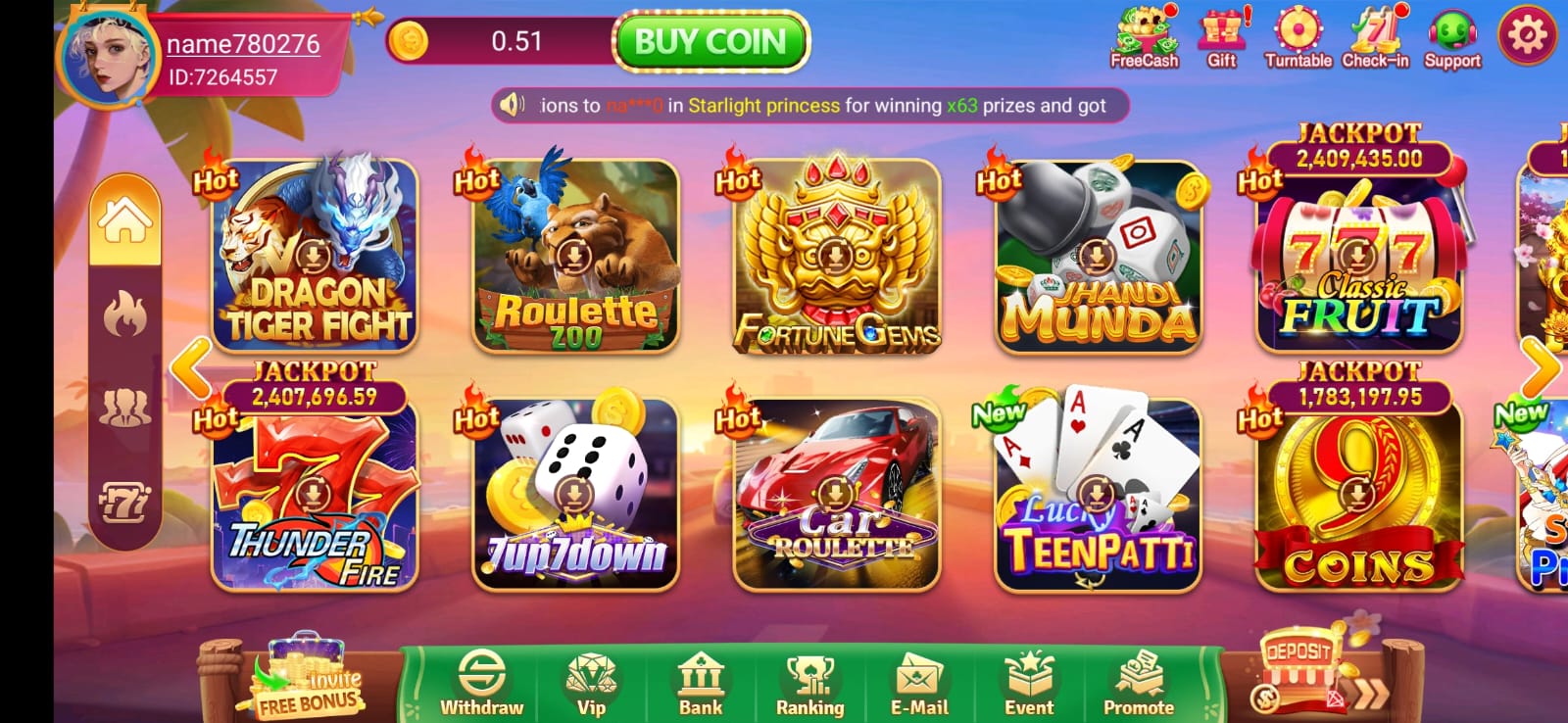
Open Luck 97 download page
The link opens the Luck 97 game site in a new tab. 18+ only.
Frequently asked questions
What does APK mean?
An APK is the Android package file format. It is the installer Android uses, the same format the Play Store delivers behind the scenes. Installing one yourself is called sideloading.
What permissions does the Luck97 APK ask for?
Typically storage for game assets and notifications. We list the exact permission set only once we can read it from a verified build, so treat the install screen as the authority on your device.
How do I check the APK is genuine?
Compare the package name and publisher shown by Android with the app you expected, and compare the file checksum against a publisher-published value. We show a checksum only when an official one exists.
Related Luck 97 guides
Who wrote and checked this page
Written and fact-checked by the Luck97.pk editorial team. We test the download flow on real Android handsets in Pakistan and only publish details we can see for ourselves. Anything we cannot verify is labelled “Being verified” instead of guessed. Read our editorial policy or send us a correction.